The Lantern of the Laughless Saint EA Troubleshooting
Stability habits for a live Early Access island—solo or co-op.
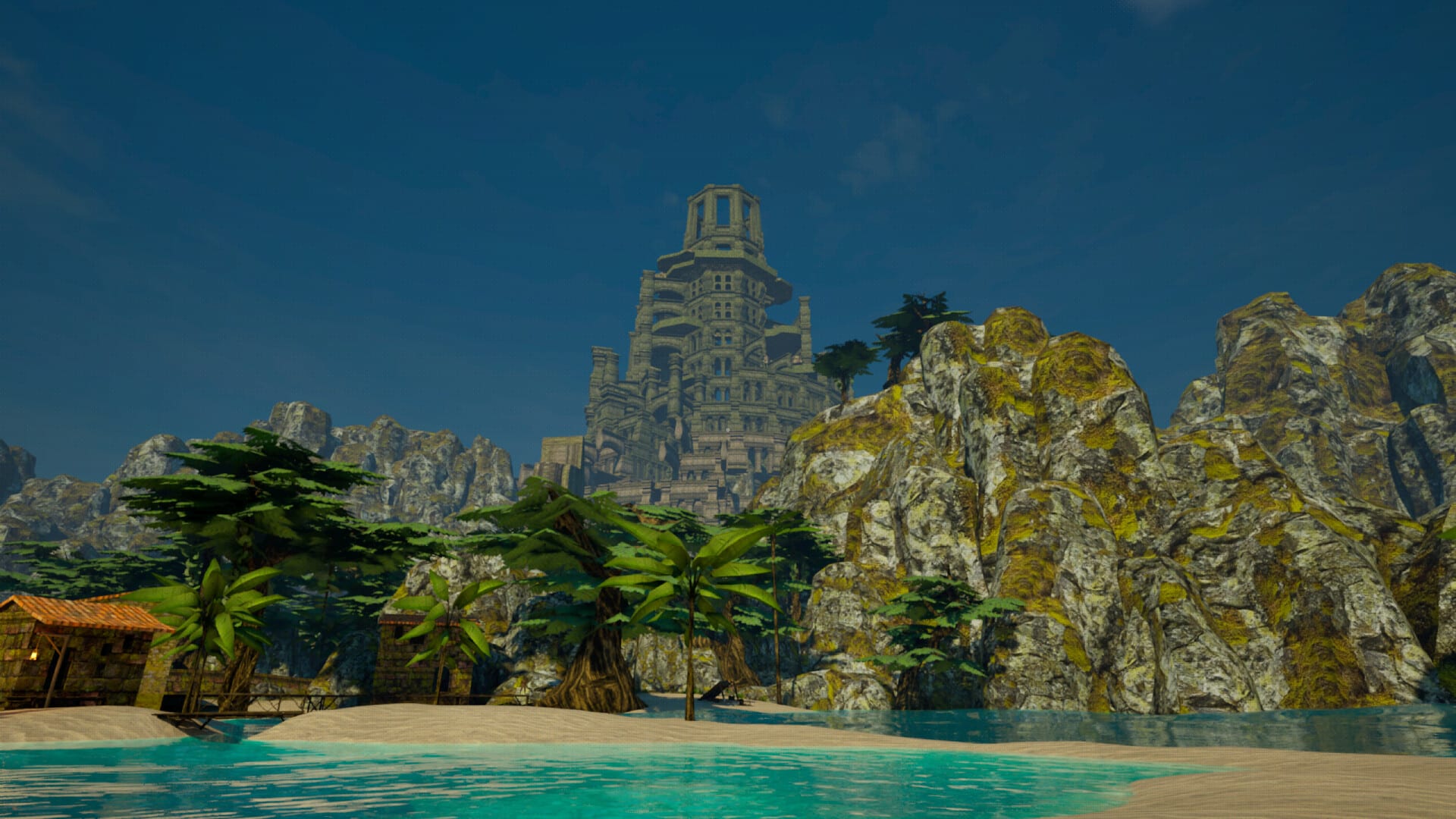
Steam Early Access for The Lantern of the Laughless Saint is live as of August 17, 2026. Early players report atmosphere wins alongside crashes, UI/shop weirdness, and co-op save or synchronization friction. This tool page is a habit checklist, not an official NerveLabs support script. When Steam or the developers publish patch-specific fixes, trust those notes over any static wiki tip.
Before you blame the island
- Verify System Requirements (Windows 10 64-bit, quad-core class CPU, 8 GB RAM, GTX 970 / R9 290 class or better, DirectX 12).
- Update GPU drivers the day you install—not mid-party.
- Install on the Steam account that owns the game; verify integrity if files look wrong.
- Close exotic overlays if you hit unexplained freezes.
- Keep enough disk headroom; Steam listed roughly about 8 GB storage needs—re-check the live store line.
Solo stability habits
- Save deliberately before big Tower pushes, experiments with extreme spell crafting, or quitting for the night.
- After a crash, relaunch once before changing settings wildly—many EA titles recover on second boot.
- Note whether the issue is boot, streaming textures, dialogue, shops, or combat.
- If performance stutters, try borderless vs fullscreen and lower the heaviest setting first instead of maxing everything on minimum hardware.
Co-op sync and saves
Full co-op is a headline feature—and a common friction point in early reviews. Before a long session:
- Agree who hosts and where the “truth” save lives.
- Avoid everyone alt-F4-ing at once after a desync; stabilize, then save.
- If time-of-day or enemies disagree between clients, pause the social plan and resync rather than pushing a story beat.
- Read How to Play Co-op for party roles; technical sync is separate from moral sync, but both can ruin a night.
Document host OS, party size, online vs split-screen, and whether Remote Play Together was involved when you report.
Controllers and language limits
Steam lists partial controller support. If a prompt is keyboard-only, keep a keyboard reachable instead of assuming a full gamepad UI. Steam currently lists English for interface, full audio, and subtitles—plan callouts for mixed-language groups accordingly.
How to file a useful bug report
NerveLabs asks for community feedback on Discord and Steam. Helpful reports include:
- Approximate build/date and whether you are on the default Steam branch
- Steps to reproduce
- Expected vs actual result
- Solo or co-op (and mode)
- Screenshot or short clip if UI-related
- Mods: the team has said mod support is a future plan—do not assume Workshop tools on day one
Etiquette and scam hygiene: Community and Feedback.
When to refund vs endure
Steam’s refund window is a consumer tool. If the fantasy never clicks after an honest Getting Started evening, that is a taste mismatch. If the fantasy clicks but one blocker bug owns your session, keep a report ready and watch the EA Roadmap cadence (aimed every 1–2 weeks).
Related tools
- Launch Day Checklist — still useful as a session start checklist
- Price and Wishlist — live price / discount context
- Steam Reception — what others hit in week one
- EA Launch — What’s Live
Troubleshooting is how ambitious EA stays honest. Pack patience, pack backups, and let clean reports—not vague anger—shape the next patch.
Network notes for multiplayer
Steam’s minimum notes say a network connection is required for multiplayer. Wired Ethernet beats flaky Wi-Fi for co-op saves. If only one friend has poor internet, consider split-screen or Remote Play on the strongest machine instead of four marginal connections.
After a patch night
When NerveLabs ships an update, skim Steam news first, then retest your personal top bug before starting a new Amphitheater arc. Update this mental checklist: fixed, improved, unchanged, or new regression. Point friends at the Updates Hub so the party shares one truth.
Frequently Asked Questions
Quick answers about Early Access, co-op, and systems.
Is co-op broken forever?
No. Early reviews report sync/save friction typical of EA. Host carefully, report clearly, and watch patch notes.
Do I need a high-end PC?
Meet the published minimums first. Performance varies—lower settings before assuming the game is unplayable.
Where are official fixes posted?
Steam news and NerveLabs community channels linked from Official Links.
Does this page replace support?
No. It is fan-maintained habits. Official answers live with the developers and Steam.